
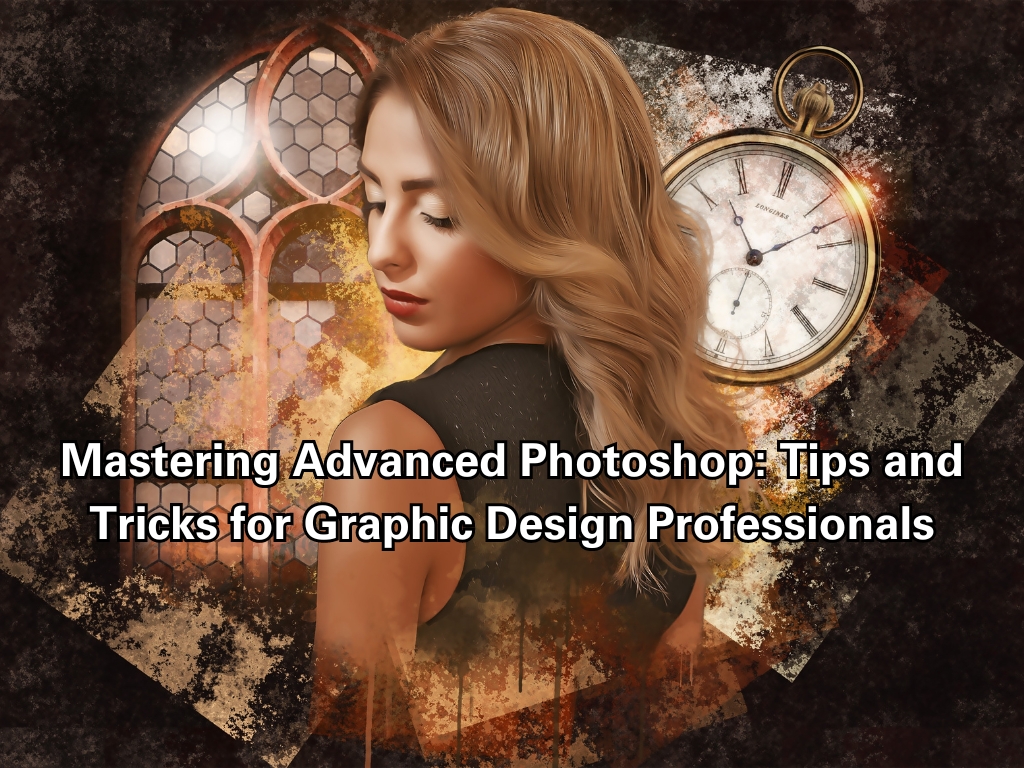
Mastering Advanced Photoshop: Tips and Tricks for Graphic Design Professionals
Photoshop has long been the go-to tool for graphic designers around the world. As a professional, you’re likely already familiar with its basic functionalities. However, mastering advanced techniques can elevate your work to new heights, allowing you to create stunning visuals with precision and creativity. In this article, we’ll delve into some advanced Photoshop tips and tricks that every graphic design professional should know.
Advanced Layer Techniques
Using Smart Objects for Non-Destructive Editing
Smart Objects are a powerful feature in Photoshop that allow you to make non-destructive edits. By converting layers to Smart Objects, you can apply filters and transformations without permanently altering the original image. This is particularly useful for making adjustments that you may want to revisit and tweak later on.
Advanced Masking Techniques for Precise Selections
Masking is a fundamental skill in Photoshop, but advanced masking techniques can help you achieve more precise selections. The Select and Mask workspace provides tools like the Refine Edge Brush and the Object Selection Tool, which are invaluable for isolating complex subjects from their backgrounds.
Mastering Retouching and Compositing
High-End Retouching Tips for Portraits
When it comes to portrait retouching, subtlety is key. Advanced retouching techniques include frequency separation, which allows you to separate texture from color, and dodge and burn, which helps in adding depth and dimension to your images. These methods ensure that your portraits look polished yet natural.
Compositing Techniques for Creating Surreal Images
Compositing involves blending multiple images to create a single, seamless composition. Advanced compositing techniques include using blend modes, layer masks, and adjustment layers to achieve realistic integrations. Practice combining different elements, such as people, landscapes, and textures, to create surreal and captivating visuals.
Creative Effects and Filters
How to Use Advanced Filters to Enhance Your Images
Photoshop offers a plethora of filters that can drastically enhance your images. The Camera Raw filter, for instance, allows you to make extensive color corrections and adjustments. You can also use the Liquify filter for reshaping and the Blur Gallery for creating depth-of-field effects.
Creating Custom Effects with Blending Modes
Blending modes are essential for creating custom effects in Photoshop. Experiment with different blending modes like Multiply, Screen, and Overlay to see how they interact with your layers. These modes can help you achieve unique lighting effects, color corrections, and artistic styles.
Efficiency Tips for Professionals
Keyboard Shortcuts and Workflow Optimizations
Efficiency is crucial for professional graphic designers. Mastering keyboard shortcuts can significantly speed up your workflow. Customize your workspace, use the Actions panel to automate repetitive tasks, and explore the Libraries panel to keep your assets organized and easily accessible.
Using Actions and Scripts to Save Time
Photoshop Actions and Scripts are excellent tools for automating repetitive tasks. Actions allow you to record a sequence of steps and apply them with a single click, while Scripts, written in JavaScript, can perform more complex operations. Utilize these features to streamline your processes and save valuable time.
Conclusion
By mastering these advanced Photoshop techniques, you can enhance your graphic design skills and produce exceptional work that stands out. Remember, continuous learning and practice are key to staying ahead in the ever-evolving field of graphic design. Ready to take your skills to the next level? Enroll in our Advanced Photoshop Course today and unlock your full creative potential!